
Java CMMS Pro Demo
QR Code Asset Scan Demo
Scan a sample asset QR code using your mobile phone to open equipment information, asset status, criticality, responsible team, and maintenance action options.
Sample Asset
Tank Level Switch LS-12
Asset Code
TK-12
Discipline
Instrument
Area / Unit
Tank Farm
Criticality
High
Status
Active
Responsible Team
Inst. Team B
How to Try
- Open this page from laptop or another screen.
- Scan the QR code using your mobile phone camera.
- The QR will open the Java CMMS Pro asset QR page.
- Use demo login if the system asks for authentication.
- Review asset information and maintenance action options.
Scan From Mobile Phone
Scan this QR code to simulate field technician access from equipment area.
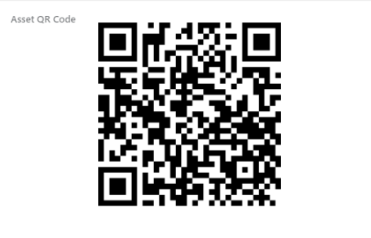
QR Function: create field work order, start work, or open preventive maintenance checklist.
Demo Account
User Demo: demo@javacmmspro.com
Password: Demo@12345